Stop paying for a second ticket system
TicketLog turns Azure DevOps into a full client-facing service desk.
No separate ticket system. No per-agent fees.
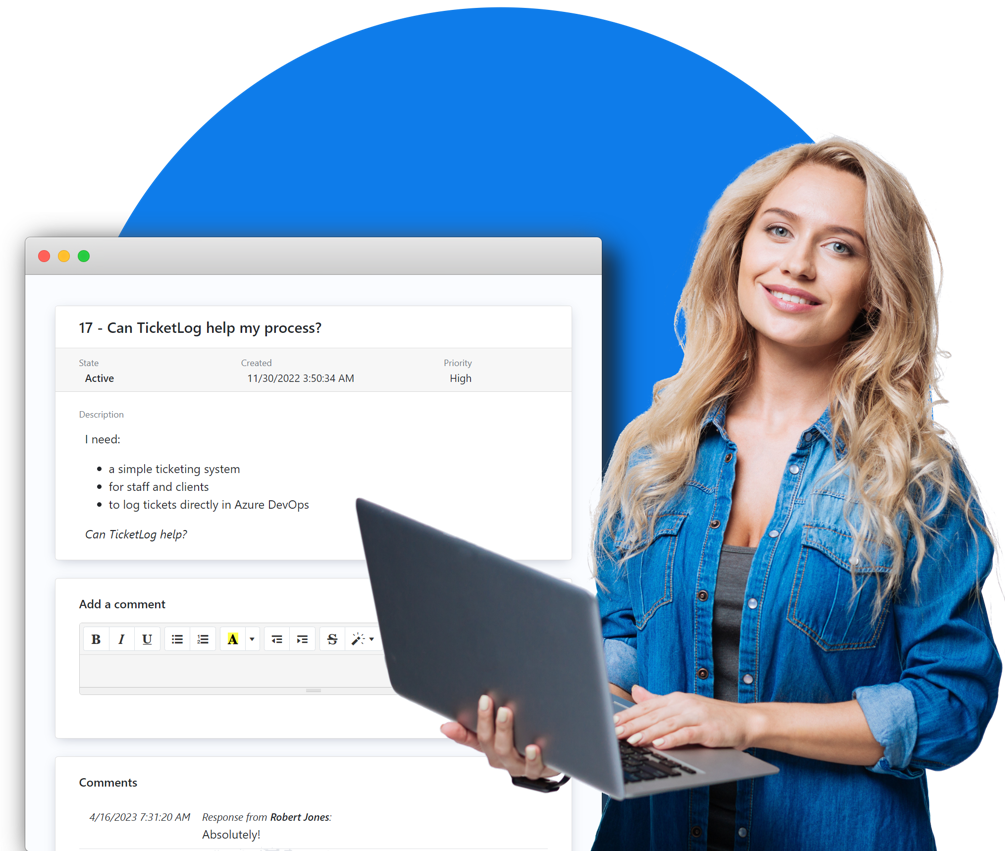
For IT Managed Service Providers
Host branded portals for each of your clients.
A single Azure DevOps board sits behind multiple client portals, with every ticket tagged by source. White-label the whole experience with your own domain and logo.
For teams already on Azure DevOps
Don't pay for a second ticket system.
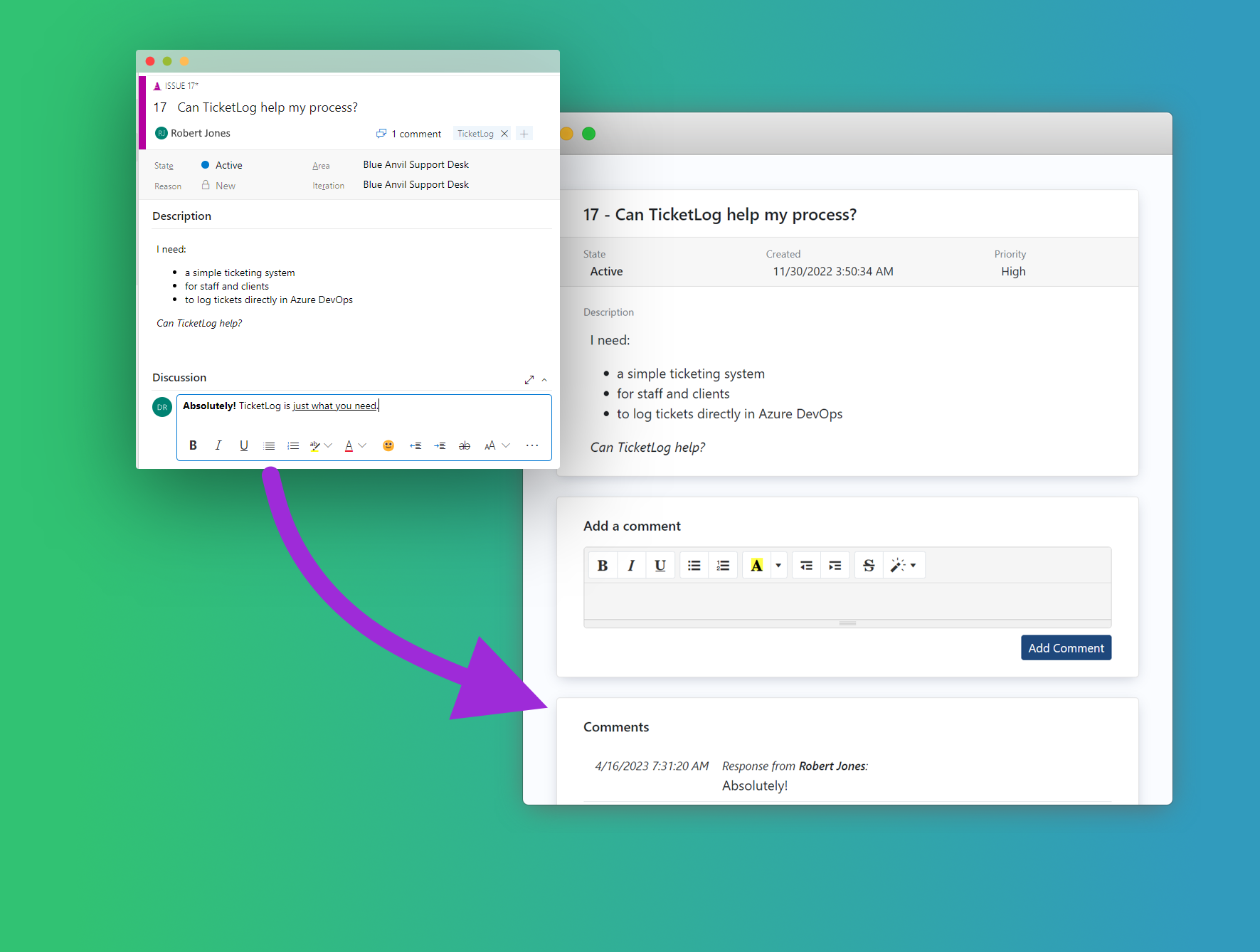
Your support team works tickets in the same boards they already use, your customers get a friendly and secure portal, and you save on help-desk overhead.
Upgrade to TicketLog PRO :
- Custom branding
- Custom domain name
- Custom forms and fields
- 100 users per desk
Set up in under 5 minutes
- Sign up to TicketLog
- Name your Service Desk
- Authorize your Azure DevOps connection
And you're done!
Now pass the unique portal URL to your users and watch as new tickets appear directly in your Azure DevOps project.
Why TicketLog
One tool, not two
Tickets go directly into your Azure DevOps boards — no third-party help-desk product to subscribe to, integrate, or migrate your data into.
No per-agent fees
Every member of your team can access every ticket at no extra cost. You pay for end users, not for the people serving them.
Built for client-facing work
Branded portals, custom domains, domain-restricted sign-ups, SSO with Entra ID. Designed for MSPs who need to look professional in front of their clients.
Common questions
How does TicketLog work with Azure DevOps?
TicketLog provides a web portal for users to submit and view tickets that are stored on an Azure DevOps instance.
New tickets are added directly to your nominated DevOps Board. TicketLog users receive email notifications when service agents add comments via the Azure DevOps site. Users can also add their own comments via TicketLog portal.
TicketLog users must register an account before they can interact with tickets. As a Service Desk Admin, you have the option to make your Service Desk public to everyone, or restricted to invited users only.
What are the use cases for TicketLog?
TicketLog is great for IT Managed Service Providers who want to host service desks on behalf of their clients. It's even possible to host multiple Service Desks on separate domains, all linked to a single Azure DevOps board, with each ticket tagged according to source customer.
TicketLog is also great for software development teams who service staff and customers with support requests, and who already have Azure DevOps deployed.
By leveraging Azure Devops, you can save on costs and reduce complexity of your workflows. Operating a dedicated support desk platform can be expensive, introduces a second ticket numbering system, and requires support staff to juggle multiple platforms.
With TicketLog, your support team has all information in one place, and all team members can access support tickets at no extra cost.
How do TicketLog PRO subscriptions work?
TicketLog desks are limited to a number of end users, not by the number of support agents. All your support agents have access to all support tickets in Azure DevOps, as per your DevOps configuration.
A TicketLog PRO subscription entitles you to upgrade a service desk to PRO tier, for a recurring monthly fee. Upgraded service desks have increased end-user limits, and offer additional features such as custom domain and logos.
Subscriptions are attached to the purchasing user, who then allocates subscriptions to any service desks they have Admin access to.
What is Azure DevOps?
Azure DevOps is a project management platform provided by Microsoft for IT project management. It provides software repository, delivery pipeline, and workitem management tools.
TicketLog creates tickets directly in the Azure DevOps workitem management tool.
 TicketLog